
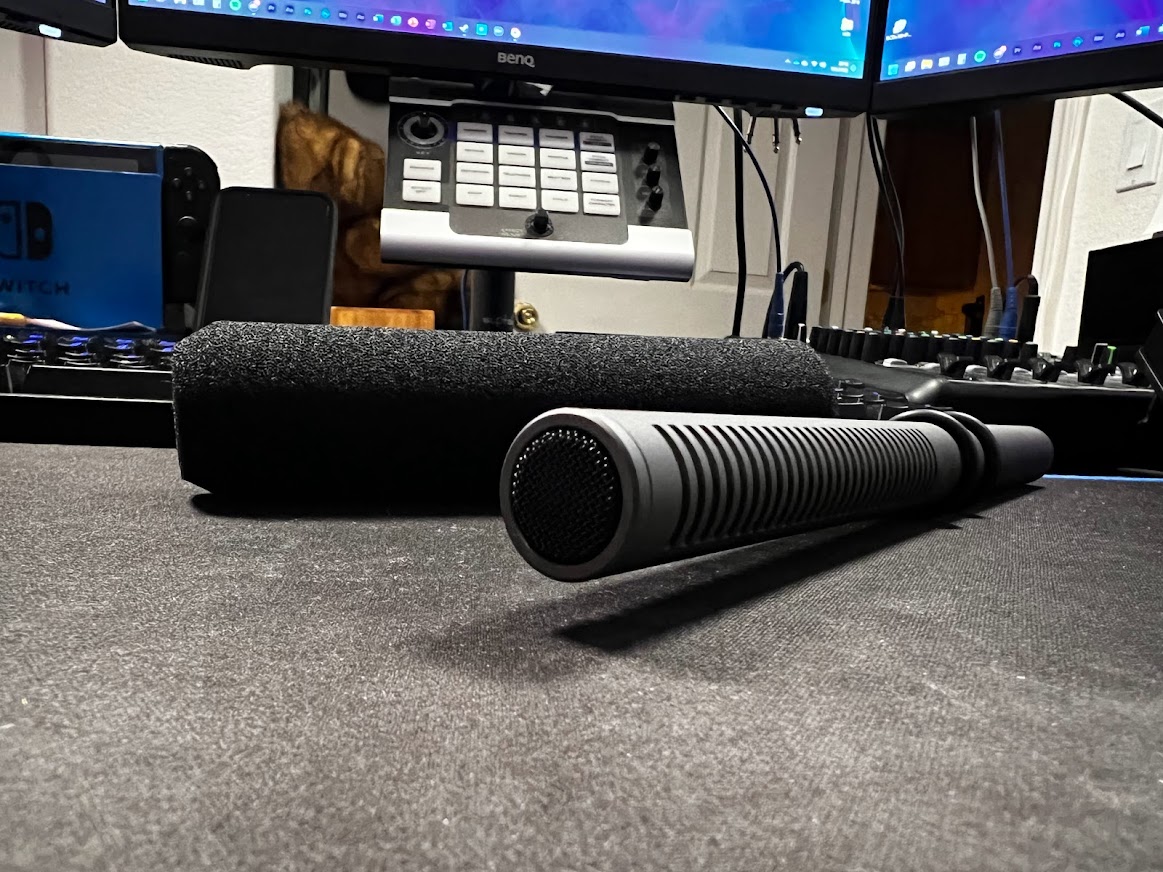
Capturing clear, close audio is critical for making videos, no matter your experience level. Over the years, I have learned many lessons in capturing better audio for my videos, so today we’ll go over some of what I’ve learned!
But my camera already has a microphone?
Nearly 100% of all cameras made these days, including phone cameras, will have a relatively competent microphone built in. Depending on what you’re doing, this can sometimes provide passable audio or act as a good backup in case you experience difficulty with your regular setup. I usually tend to stay away from onboard audio at all costs. You’ll find that such small microphones tend to be very harsh sounding and they can’t easily isolate speech from an ocean of noise. If you have the option to use a separate microphone, take it.
On-camera solutions

Lots of videographers choose to shoot on DSLR or mirrorless platforms, and many of these cameras offer a 3.5mm audio input port specifically designed for attaching external microphones. My D5200’s onboard audio was not stellar, especially for my application, so I picked up this Rode VideoMic Go microphone relatively cheap and it made a world of difference for me. The directional isolation that this microphone offers helped keep background noise out of the picture for me. Using a 3.5mm cable, you could also plug this microphone into an external audio recorder and remove the camera’s amplifier entirely.

When the XA-40 rolled into my gear bag, I picked up an Audio-Technica AT897 shotgun condenser microphone. This is a step above the VideoMic Go with even clearer audio. The amplification controls on the XA also allow me to fine tune my audio in real time with a pair of headphones to monitor. Whether I mount this microphone on the camera or hang it from a boom pole, I have confidence in its ability to capture audio even in the harshest of conditions.
Recently, I used the AT897 on a shoot at work on a busy casino floor. I was worried that it would fail to capture anything useful but it proved to be worth its weight in gold. The audio was more than what I expected and with a little bit of noise filtering, it was crystal clear. I can’t say the same would have been true using onboard audio.
Going Over Voiceovers
One last option is to record entirely separate from your camera. When I have to do voiceover or narration work, I rely on my tried and true Audio-Technica AT2020 cardioid condenser microphone. While there are many other options out there, and certainly those much easier to interface with a computer, the AT2020 in concert with a quality XLR interface has done well to provide clear audio. With a proper interface, I have total control over the equalization and filtering of my audio as it’s recorded.

If you have any questions or want to learn more about audio for your work, leave a comment down below!
 JT Creative